
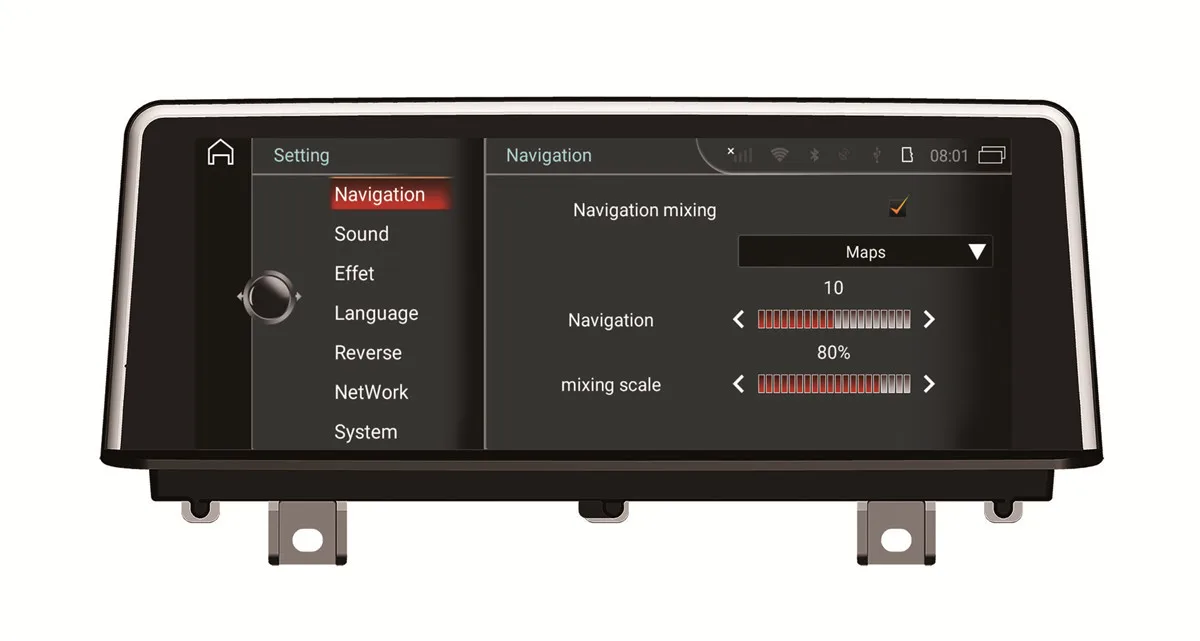


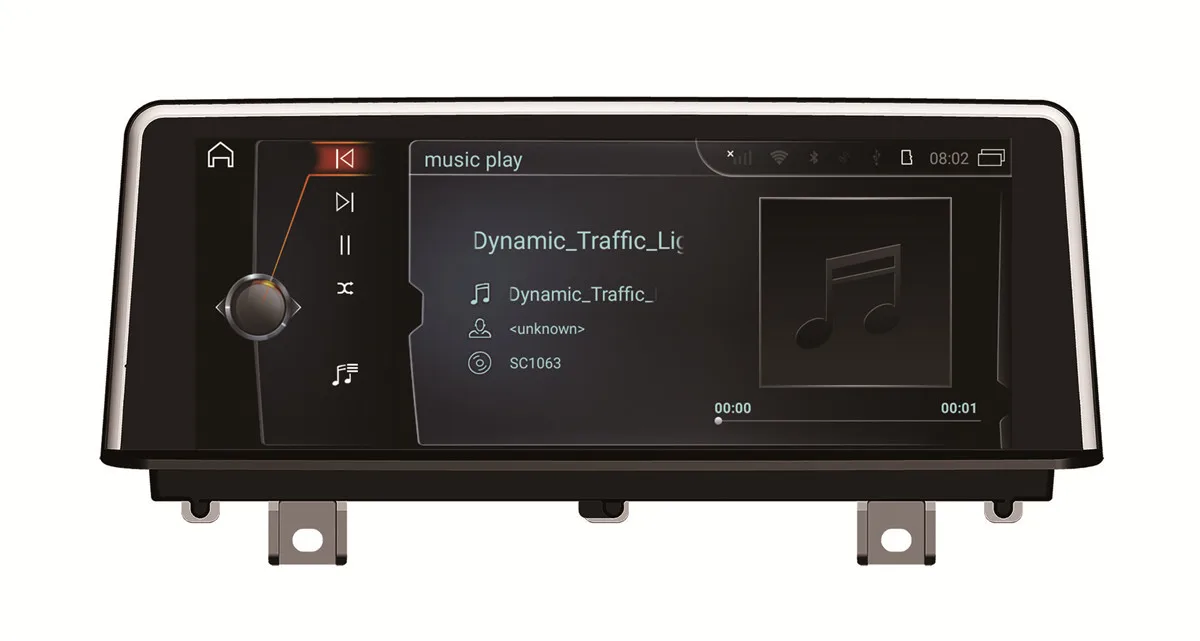


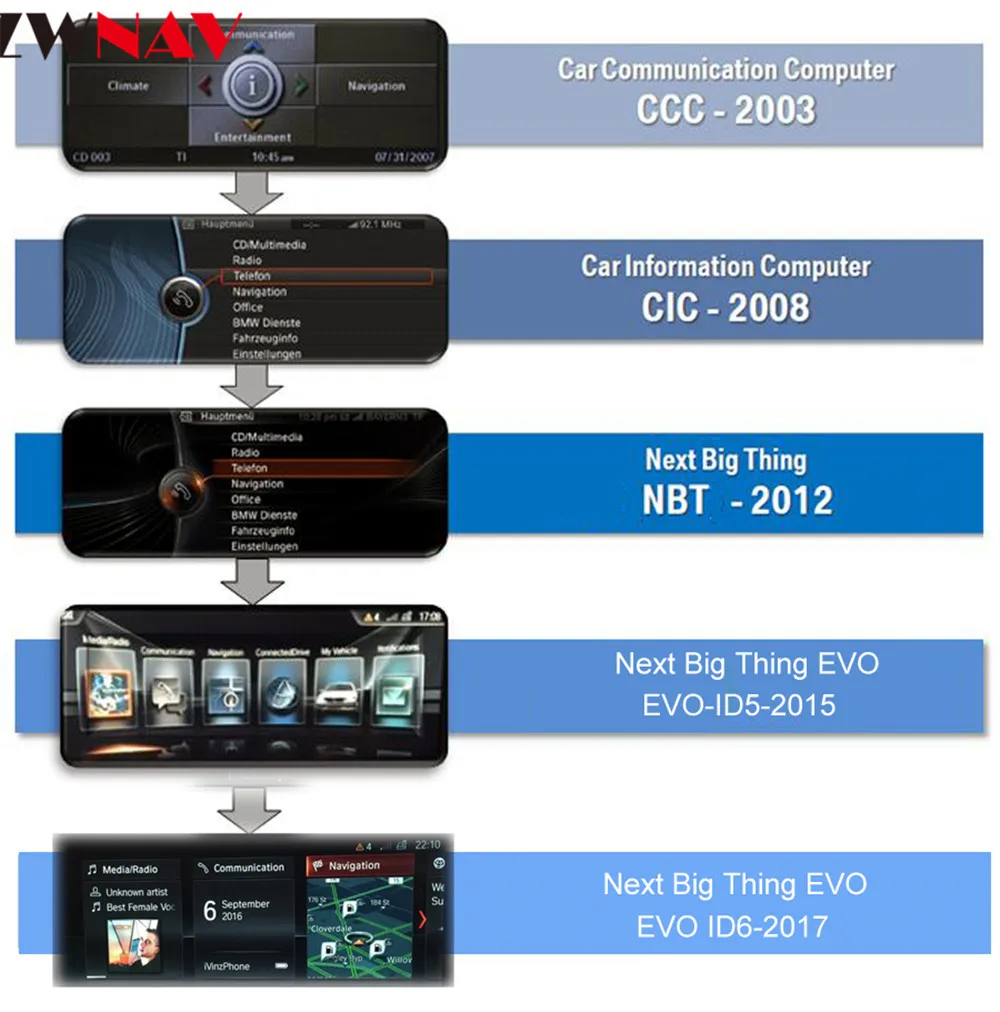
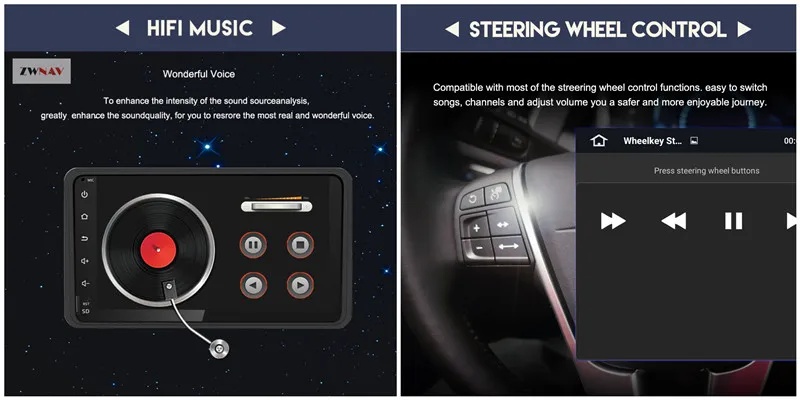
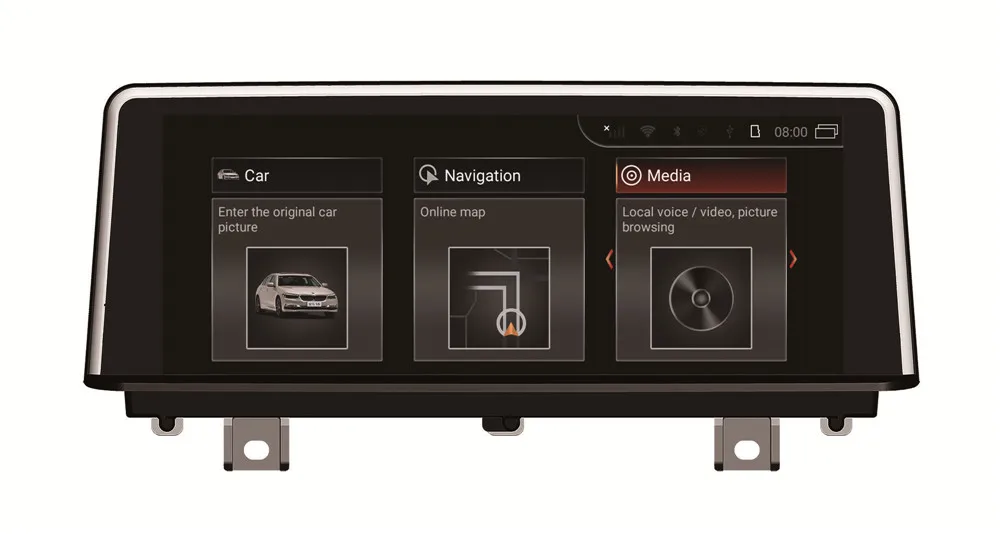
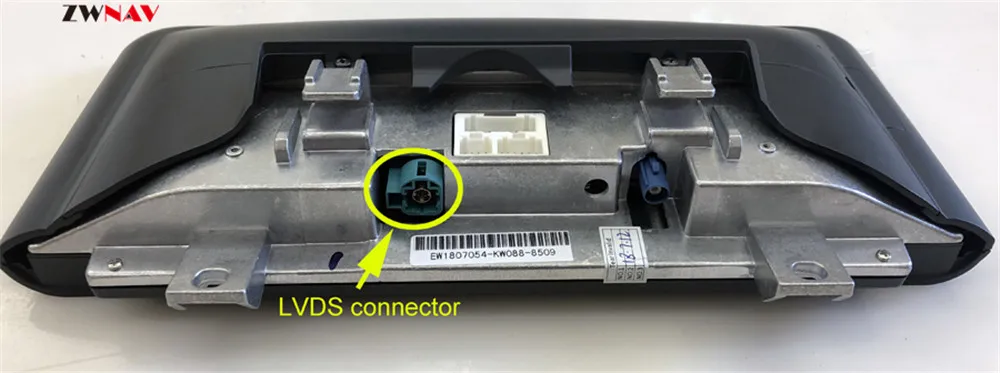
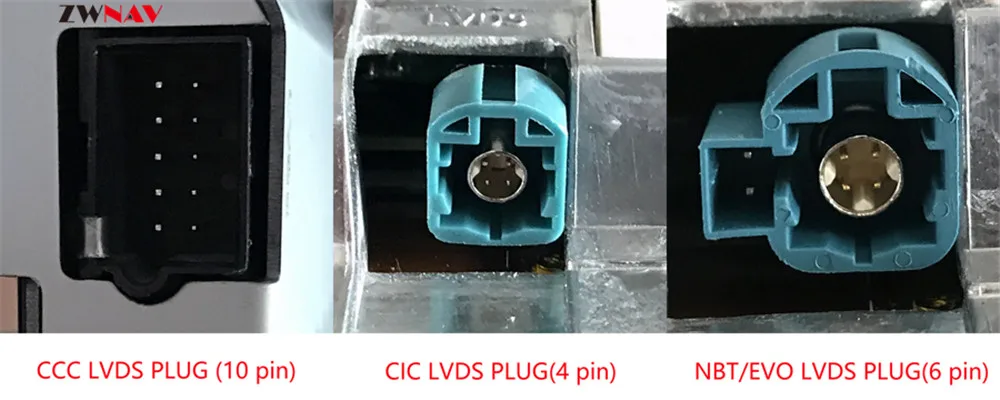
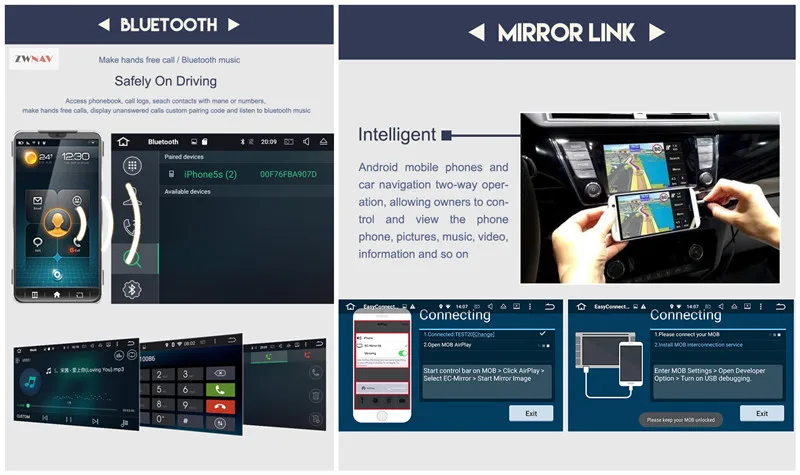
BMW aftermarket navigation headunit has a 10.25 inch touchscreen, it is specially designed to upgrade stock radio system on BMW 3 series(F30/F31/F34/F35) and BMW 4 Series(F32/F33/F36),NBT cars.totally plug and play, no need to cut wires, free gps navigation map preloaded for your country. FOR BMW 3 Series(F30/F31/F34/F35) 2013, 2014, 2015, 2016 BMW 4 Series(F32/F33/F36) 2013, 2014, 2015, 2016 Main characteristics: -Capacitive HD touch screen (1024x600):support 5 point high-definition multi-touch, it is more convenient for you to use - Built-in Bluetooth (4.0):built-in microphone and external microphone jack, support phonebook and Bluetooth music functions, when you have incoming call, the music will stop automatically, so you can enjoy a free hand call -Built-InWIFIModule -Built-in GPS:Internal support and external GPS map, you can download GPS APP online or get the map online source map suppliers to use satellite navigation, and map can be run in the background, and it supports guidance vocal - Supports Android media player:can play music, movies, local CD photos or USB - Support the latest book search phone:you can download the phone book to search and find contacts, just enter the first letter of the name and you will find some associated names, then you can choose the correct name - HD camera:with HD camera,stable display and clear pictures, which has 120-140 degree wide-angle view - Multi-format audio and video decoding:support 1080P full format, video playback up to 4K - Multi-language:English / Russian / French / German / Spanish / Italian / Portuguese, etc. - USB port:support 32GB USB stick - Fast brake function About Installation Instruction : It is plug and play for the installation, but we suggest that you find a local professional installation engineer or car A&V shop to install our unit in your car, so that it can avoid the possible damage to your dashboard and the head unit itself. Of course, If you need any support, you can contact us freely. Package Contents: 1.GPS antenna 2.GPS map for your country 3.USB adapter 4.Audio and video input cable 5.power cable 6.Internationalstandardcartonbox 7.Ifyouneedmoreaccessories,youcansearchdirectlyinourstoreorcontactus!(TPMS.OBD.DVB.DVR..) The Feedback: PLS leave your car's detail message for us when you are not sure if it is suit for your car. If your car dashboard is the same as the picture as bellow, you can buy this model. Note:Please check the LVDS port. Make sure you connect the LVDS plug (removed from the OEM screen) to the new screen. Different systems have different LVDS plugs. Please check the AUX-IN cord. Make sure it is plugged in the AUX-IN port on your car. And also you need to activate AUX-IN function. CD/Entertainment/External devices/External audio input (AUX front)/activate. Question:Why does the Sirius/XM radio, original car computer info and factory camera does not display? Why does the AUX-IN volume stucks on zero and not adjustable? Answer: Please check the fiber optics plug, you need to move it from the original connector to new connector we provided. 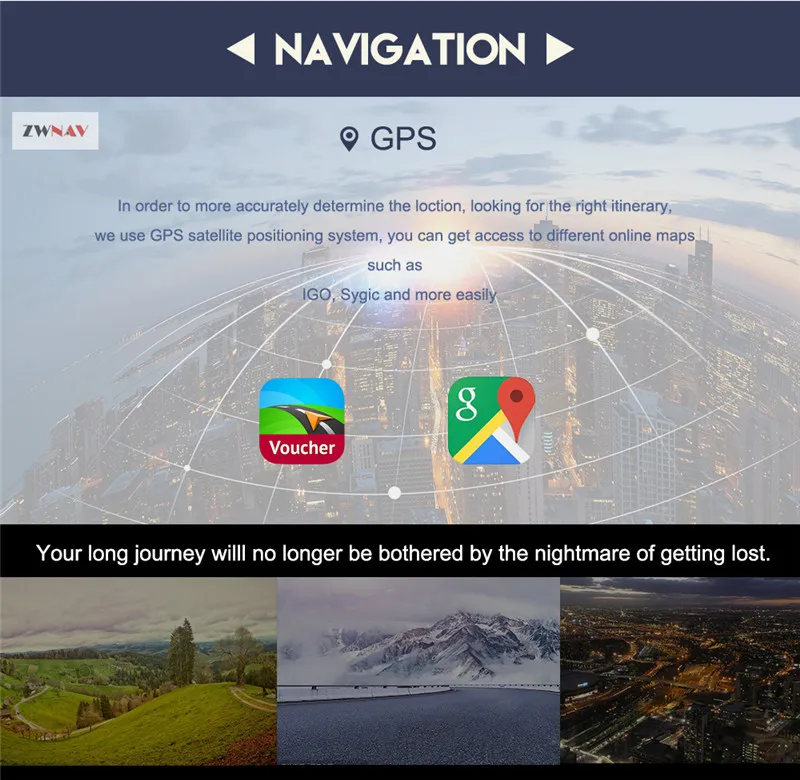















No comments:
Post a Comment